


| Bookmark Name | Actions |
|---|
Changing a Tenant Configuration by using Servlet
This section shows you how the tenant management servlet allows editing tenant definition property set.
Procedure
- Open the following URL:
http://xxxxx/TAFJConfiguration/tenant.xhtml
- Click the Edit tenant button corresponding to the tenant definition to be modified.

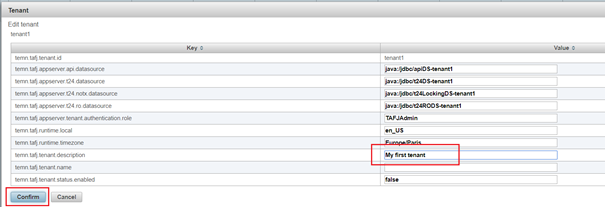
- Set the properties to their appropriate values and click Confirm.
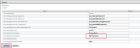
Properties are not updated yet even though the changes are visible in the table. Now, the tenant status is pending change and modifications can still be reverted.

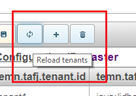
- Optional: If you want to revert the modifications, then click the Reload tenants button.

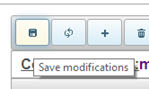
- Click Save modifications.

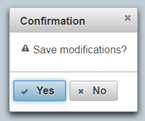
- Click Yes to confirm the changes.

The properties are now updated.
 NOTE: System must be restarted after configuration change, if it is already running.
Add Bookmark
save your best linksView Bookmarks
Visit your best links BACK
BACK


Are you sure you want to log-off?