| Bookmark Name | Actions |
|---|
Logging
This section shows where the log details of incoming and outgoing MT messages are stored. It also shows the archival or deletion of files in file flows.
The ALLIANCE.LOG.DETAILS log table stores the details of Alliance’s message processed by system for both incoming and outgoing MT messages.

The table below describes the fields available in the ALLIANCE.LOG.DETAILS log table.
| Field | Description |
|---|---|
|
Connection Type |
It specifies the messages as inbound or outbound. |
|
Time Stamp |
It specifies the time details of log information for the message. |
|
Msg Detail |
It holds the entire Alliance message coming In or Out from Temenos Transact. |
Archival or Deletion of files in File Flows
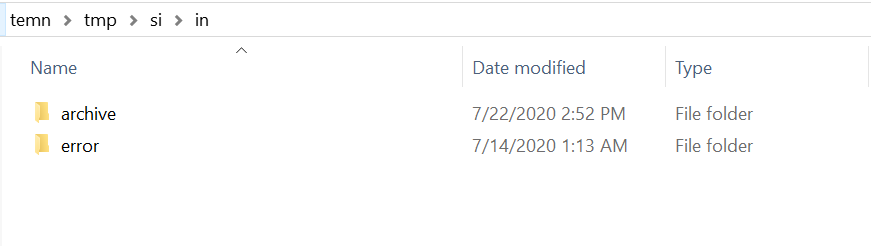
The processed messages from input directory are deleted once consumed. In case of successful processing, the message is moved to the archive folder and in case of failure, the message is moved to the error folder.
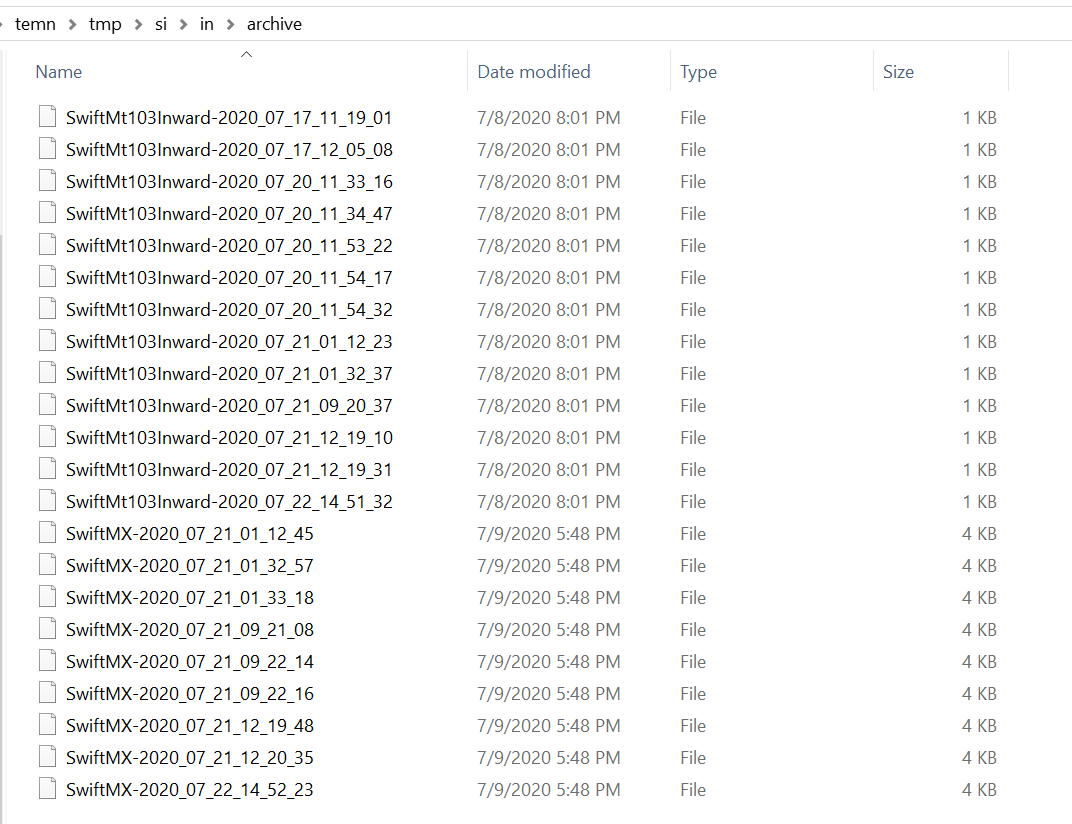
Messages are archived in the archive folder as <sourcefilename>-<Timestamp>.
Add Bookmark
save your best linksView Bookmarks
Visit your best links BACK
BACK


Are you sure you want to log-off?