| Bookmark Name | Actions |
|---|
Installing Holdings Microservice in Docker
This section helps you to install the Holdings Microservice in Docker.
- Install Docker Engine in your deployment environment (See Docker Engine installation).
- Copy the generated zip file (from target folder) to the installation directory.
- Extract the zip file.
- To run the microservice, execute the below command for creating images and Docker container for that image.
- For Windows : holdings.bat up --build -d
- For Linux : holdings.sh up --build -d
- Confirm that all below docker instances have started successfully by executing docker ps -a.
Exception Handling
If any exception occurs and you are not able to connect to mongo db, then
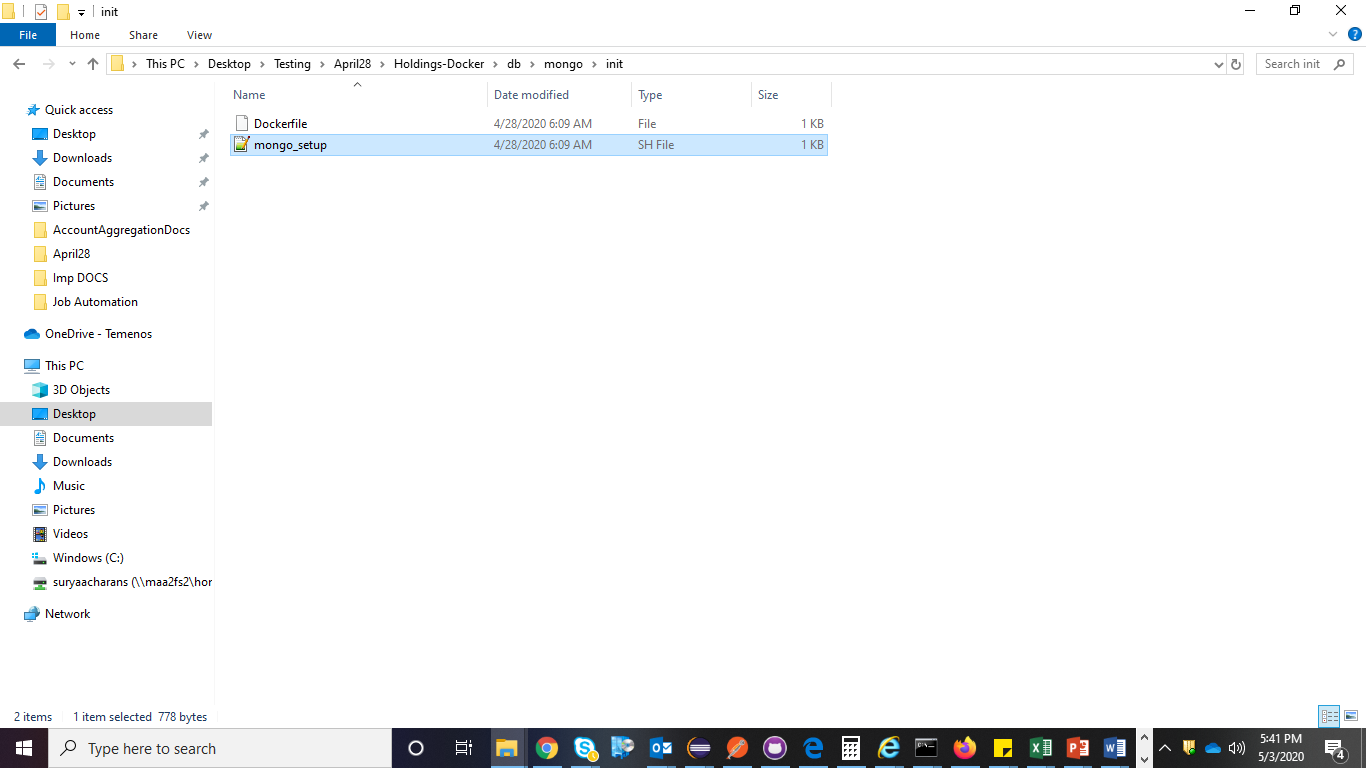
- Go to the path ...\Holdings-Docker\db\mongo\init\mongo_setup.sh.

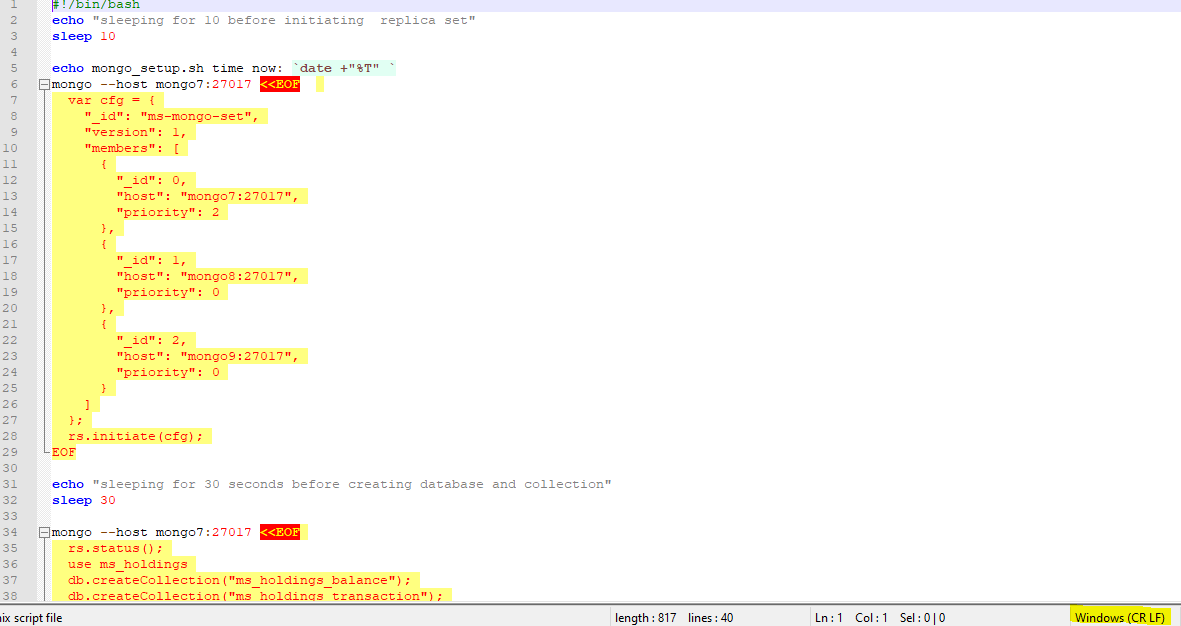
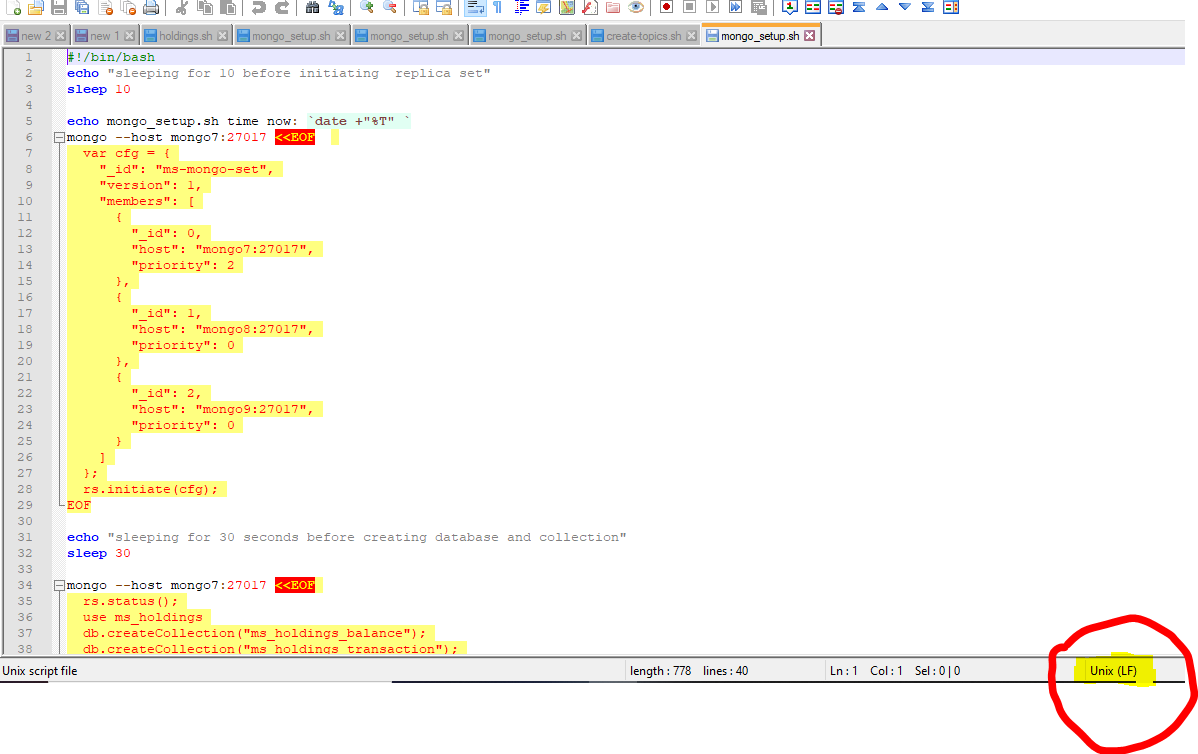
- Open the mongo_setup.sh file and ensure it's in UNIX(LF) format , if its in windows(CR LF) format change it to unix, and down and up the package.
Add Bookmark
save your best linksView Bookmarks
Visit your best links BACK
BACK


Are you sure you want to log-off?