| Bookmark Name | Actions |
|---|
Deploying Service Request Microservice on J2EE
This section explains how to deploy the Service Request microservice on J2EE. To do so, you need to perform the following tasks:
Deployment Artefacts
The folder structure of Service Request microservice is available as a single release bundle, ms-servicerequest-package-j2ee-<release no>.zip.
Deploying Service Request Microservice on J2EE Compliant Application Server
Prerequisites
You must set up the following prerequisites before deploying Service Request microservice on J2EE Compliant Application Server:
To deploy the Service Request microservice on a J2EE Compliant Application Server, follow these steps.
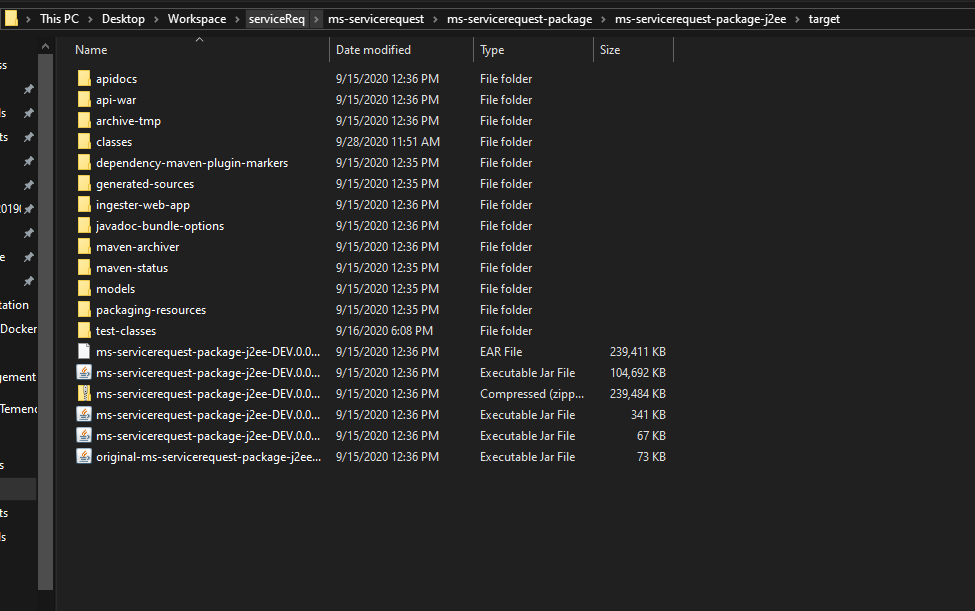
- Download the generated zip file from the target folder to the installation folder.
- Extract the zip file. The ms-servicerequest-package-j2ee-<release no>.ear file is present in the extracted zip file.
- Search for ms-servicerequest-j2ee.war in the ms-servicerequest-package-j2ee-<release no>.ear file.
You can deploy this WAR file on the J2EE compliant application server.

Add Bookmark
save your best linksView Bookmarks
Visit your best links BACK
BACK


Are you sure you want to log-off?