| Bookmark Name | Actions |
|---|
MongoDB Atlas Connection
The two connection URLs to be configured in the install and destroy scripts of AWS and Azure are as follows.
- MongoDB Connection URL:
mongodb://<username>:<password>@<host1>,<host2>,...<host n>/<db_name>?authSource=admin&gssapiServiceName=mongodb&replicaSet=<cluster>&ssl=true
- Mongo shell Connection URL:
mongodb+srv://<username>:<password>@<domain>/<db_name>
To retrieve the connection URLs, follow these steps.
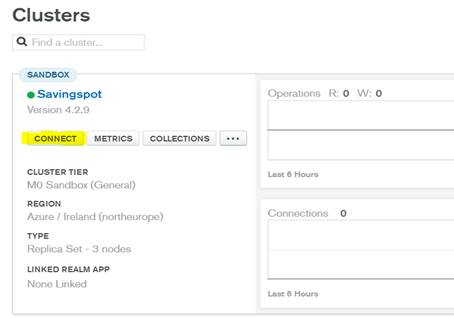
- Open the Connect dialog from the Atlas cluster.

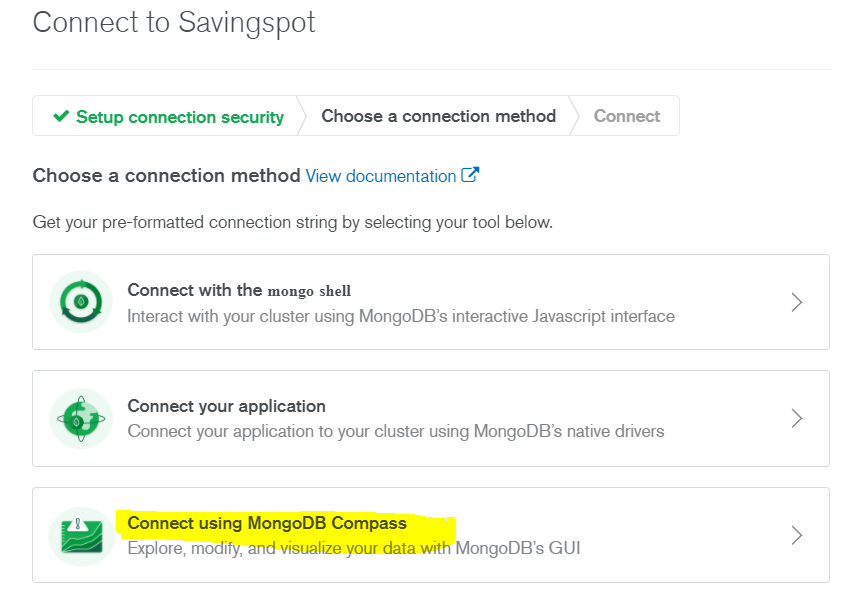
- Click Connect using MongoDB Compass.


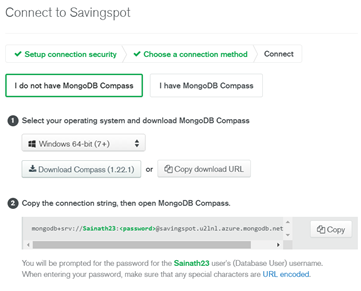
- Copy the connection string and replace the <password> with the actual password.
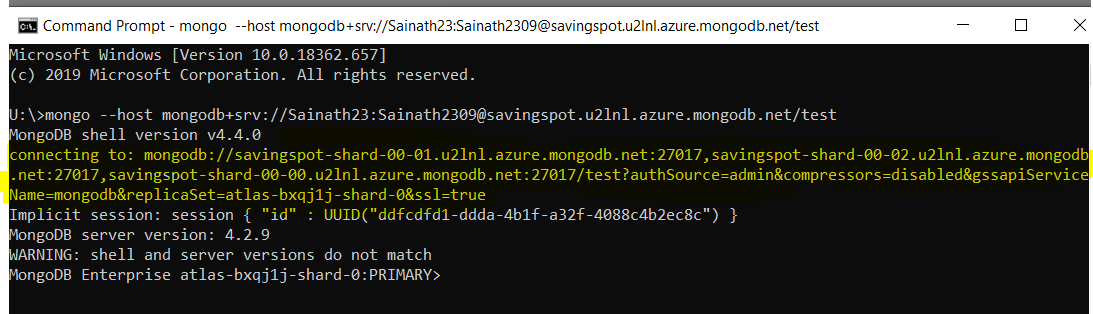
- Open the command prompt and type the following command:
mongo --host <connection string>
For example,mongo --host mongodb+srv://Sainath23:Sainath2309@savingspot.u2lnl.azure.mongodb.net/test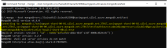
- To connect to the MongoDB in the atlas account, use the connection string that is present after connecting to in the earlier image as connection URL.
- Append the database user credentials to the connection URL.
- Change the DB name "test" which appears after the last slash(/) character in the connection URL, as required.
- Delete the compressor=disabled parameter from the connection URL.
The final connection URL to be set in the parameter MONGODB_CONNECTIONSTR must be as follows.
MONGODB_CONNECTIONSTR:
mongodb://Sainath23:Sainath2309@savingspot-shard-00-02.u2lnl.azure.mongodb.net:27017,savingspot-shard-00-01.u2lnl.azure.mongodb.net:27017,savingspot-shard-00-00.u2lnl.azure.mongodb.net:27017/ms_savingspot?authSource=admin&gssapiServiceName=mongodb&replicaSet=atlas-bxqj1j-shard-0&ssl=true
The connection string (obtained in step 3) to be set in the parameter MONGOSHELL_CONNECTIONSTR must be as follows.
MONGOSHELL_CONNECTIONSTR:
mongodb+srv://Sainath23:Sainath2309@savingspot.d6zue.mongodb.net/ms_savingspot
Add Bookmark
save your best linksView Bookmarks
Visit your best links BACK
BACK


Are you sure you want to log-off?